

LeadIQ × Salesfinity: Better Phone Data, Higher Connect Rates
Salesfinity × LeadIQ Integration
TL;DR
Salesfinity now integrates with LeadIQ as part of the data waterfall.This means Salesfinity users can access LeadIQ’s accurate phone numbers directly inside Salesfinity, resulting in higher pickup rates and fewer missed connects, without changing their workflow.
If you already use LeadIQ, you can connect it in minutes.
If you don’t, LeadIQ is still included automatically when using SmartEnrich.
🧠 Why this integration matters
Reaching the right number is one of the biggest factors behind connect rate.
Missing or low-quality phone data leads to:
More wasted dials
Lower pickup rates
Slower list progression
By adding LeadIQ into Salesfinity’s data waterfall, users benefit from an additional high-quality phone data source, increasing the likelihood of finding a valid mobile number before moving on.
The result is simple: more live conversations from the same effort.
⚙️ How the LeadIQ integration works
Salesfinity uses a data waterfall approach to enrichment.
When you enrich contacts:
Salesfinity checks multiple data sources in sequence
LeadIQ is now included as one of those sources
If a valid phone number is found, it is added to the contact automatically
You don’t need to switch tools or export data. Everything happens directly inside Salesfinity.
🔌 How to connect LeadIQ to Salesfinity
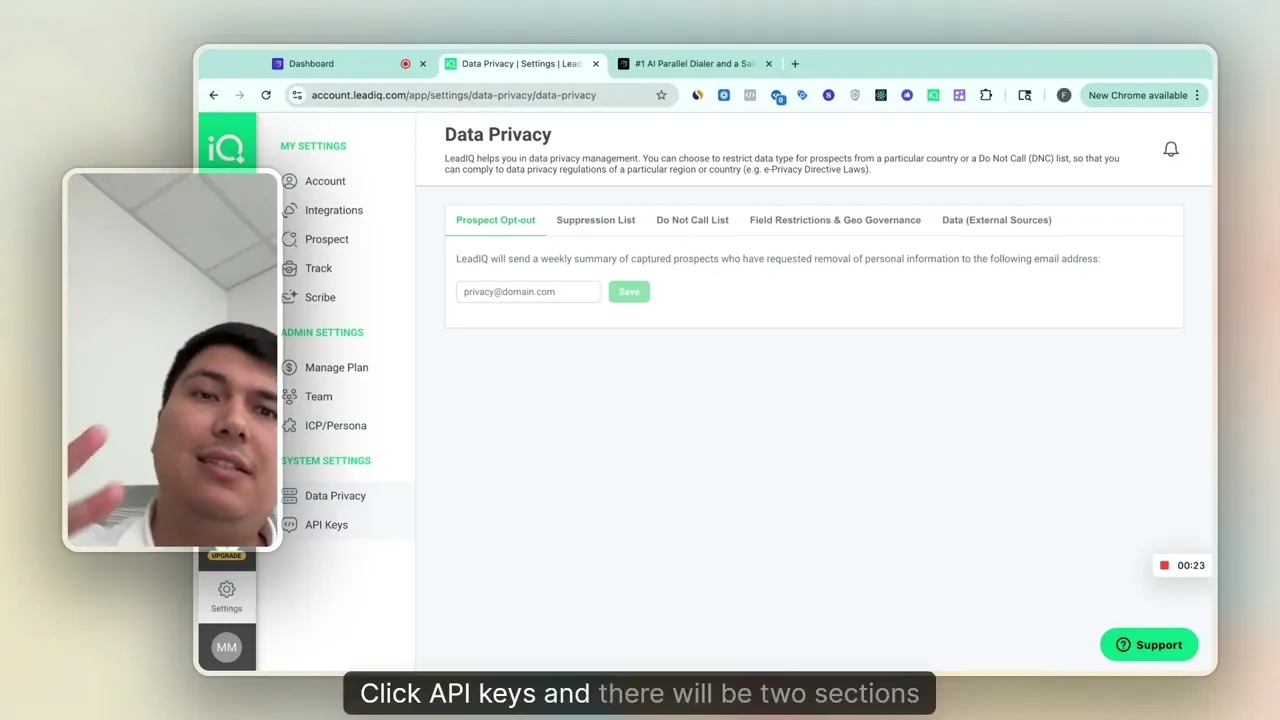
Heres a step-by-step how-to video
Setup steps
Log into your Salesfinity account
Go to Settings → Connections
Scroll to Data Providers and click Connect next to LeadIQ
Open your LeadIQ account and go to Settings → API Keys
Copy your Secret API Key
Paste it into Salesfinity and click Connect
That’s it. Once connected, LeadIQ is active inside your Salesfinity enrichment flow.
📞 Using LeadIQ inside SmartEnrich
Once connected, LeadIQ is available directly within SmartEnrich.
When you:
Open the dialer
Select contacts missing phone numbers
Click SmartEnrich
LeadIQ appears as one of the available data providers. Salesfinity automatically includes it in the enrichment flow to find the best available phone number for each contact.
No LeadIQ account? No problem
You don’t need a separate LeadIQ account to benefit.
LeadIQ is included by default as part of Salesfinity’s data waterfall when using SmartEnrich. There’s no additional setup, login, or configuration required.
Simply enrich your contacts and Salesfinity takes care of the rest.
🎯 What this means for Salesfinity users
With LeadIQ included in the data waterfall, users can:
Reach more contacts with valid phone numbers
Improve pickup rates without increasing dial volume
Spend less time enriching data manually
Keep all workflows inside Salesfinity
This upgrade directly improves daily calling performance where it matters most: data quality.
Check LeadIQ's article about it!
[LeadIQ contact data now available in Salesfinity]