

Claude × Salesfinity: Get Instant Answers From Your Sales Data
Claude × Salesfinity
TL;DR
Sales leaders don’t lack data.
They lack fast answers.Ask Claude questions in plain English and get real, structured answers from your Salesfinity data in seconds.
No dashboards, exports or manual analysis.
Just insight to action, instantly.
🧠 What the integration does
Once connected, Claude securely queries your Salesfinity workspace via MCP (Model Context Protocol).
This means Claude can:
Pull real analytics and performance data
Compare time periods, reps, or teams
Analyze call activity, connects, conversations, and meetings
Generate structured reports and summaries
Create and push lists directly into Salesfinity
This is not a static export or copied data. Claude works on live Salesfinity data and responds in real time.
🎥 A real example from the field
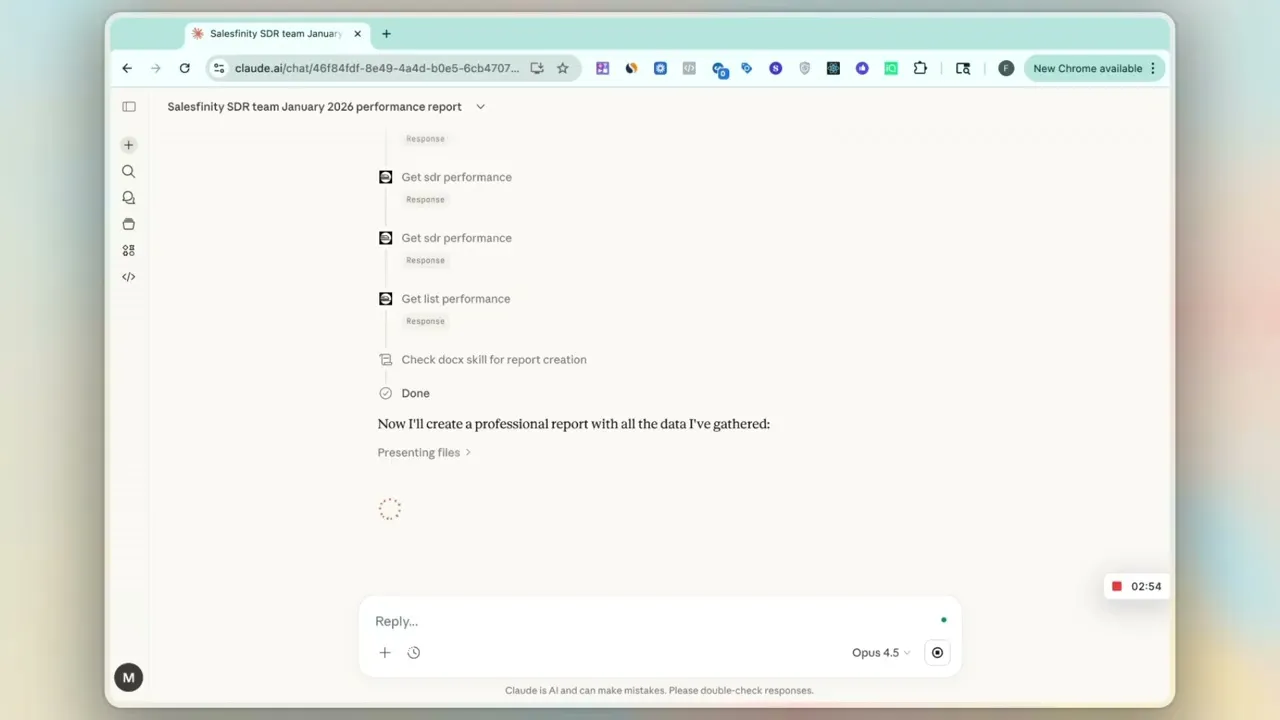
A sales leader is running late to a meeting and types into Claude:
“Make a report on how the Salesfinity SDR team did last month versus the previous month, including top performers and what they did differently.”
Claude immediately:
Pulls last month and previous month performance data
Compares key metrics
Identifies top performers
Highlights what changed in their activity and conversations
Generates a professional, shareable report
What used to require dashboards, filters, and manual work now happens in a single prompt.
🚀 How teams are using this today
Sales teams use Claude × Salesfinity to:
Generate team and rep performance reports
Identify top performers and what drives their results
Understand changes in connects, conversations, and meetings
Answer leadership questions instantly, without preparation
Turn insights into action by creating and pushing lists
In short, faster insight, clearer coaching, and quicker decisions.
🔌 How to enable the integration
Enabling the Claude × Salesfinity integration only needs to be done once.
Here is a step-by-step how-to video
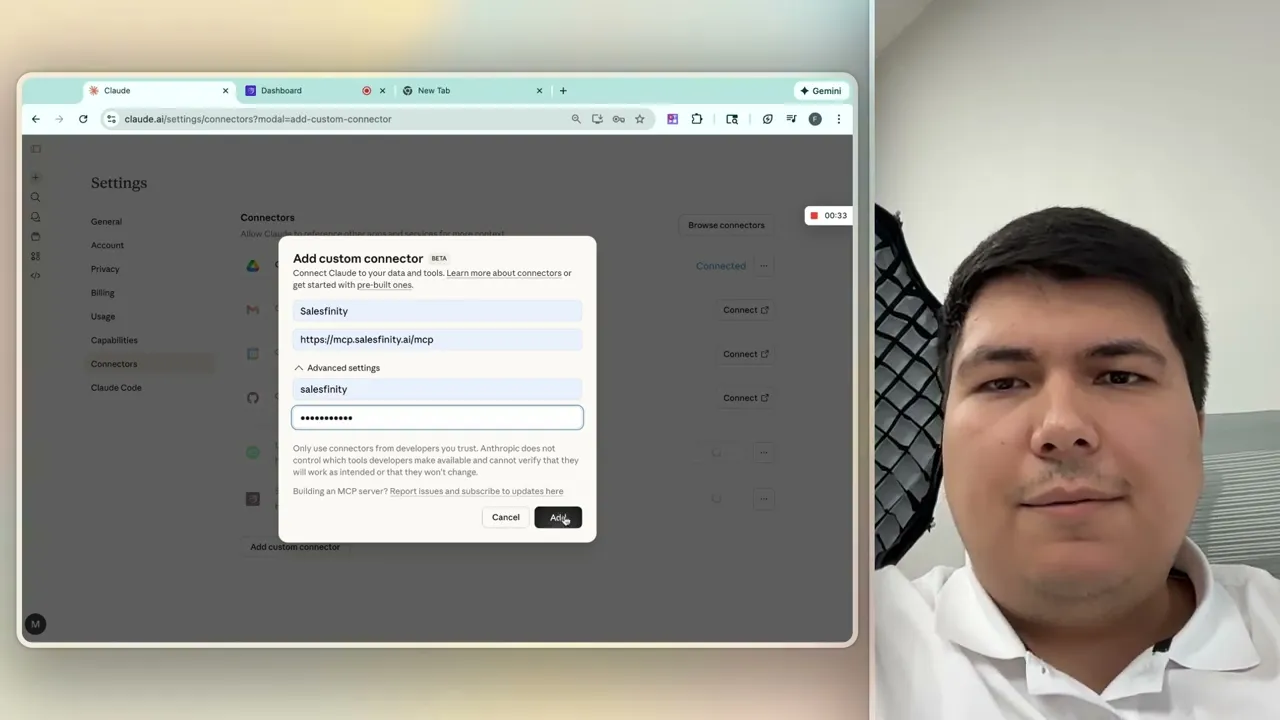
The setup covers:
Adding Salesfinity as a custom connector in Claude
Generating a Salesfinity API key
Authenticating the connection securely
Once enabled, Claude becomes a real-time interface to your Salesfinity data.
You ask the question. Claude pulls the data and gives you the answer.
Start using it today.
If you liked this article, check this one out:
[Salesfinity Shipped - Our january product updates]