Salesfloor just got quieter, smarter, and more measurable

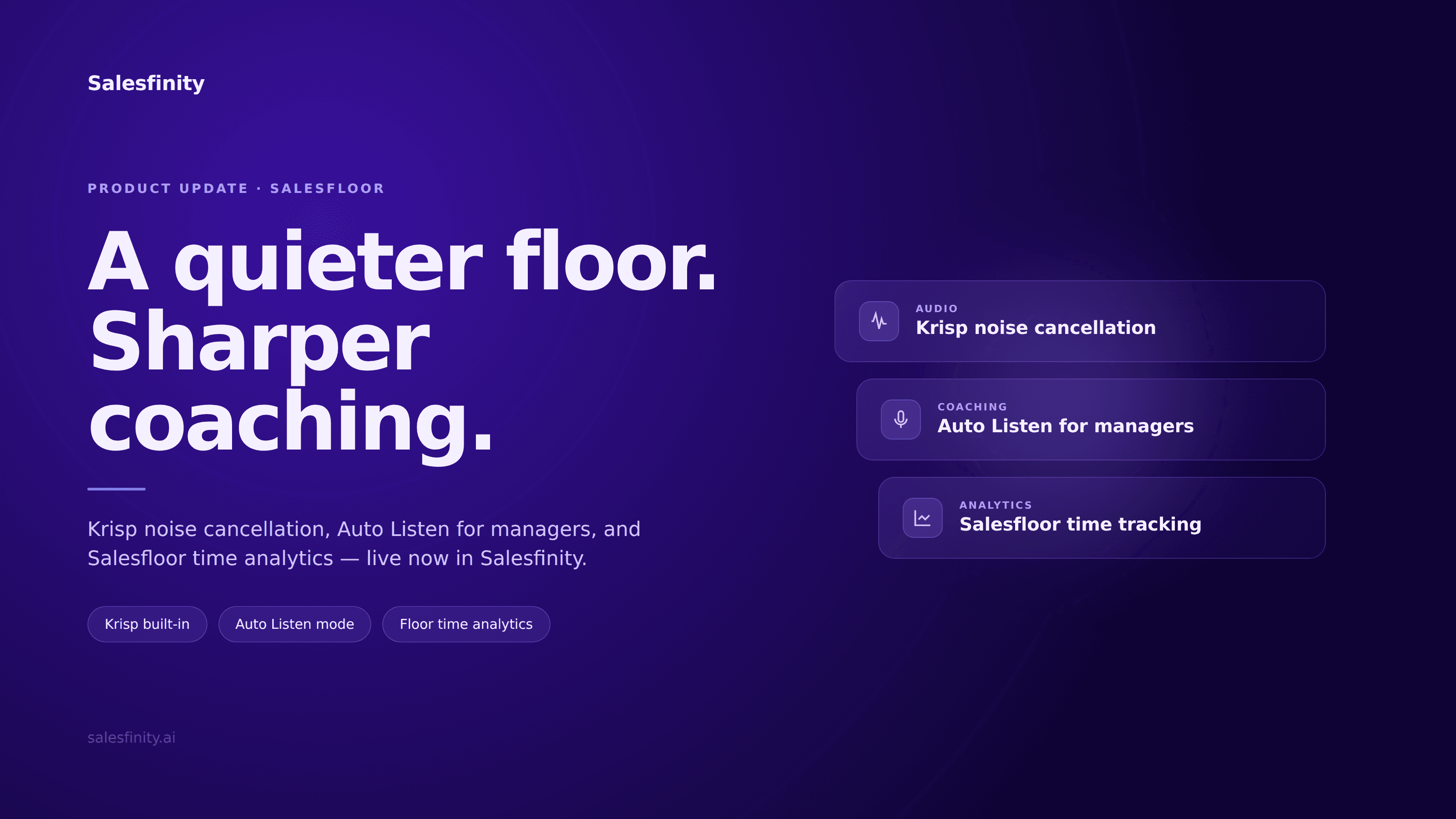
Three updates to the Salesfinity virtual sales floor: Krisp noise cancellation, Auto Listen mode for managers, and Salesfloor time tracking inside Analytics.
Salesfloor is the virtual sales floor inside Salesfinity — the live, multiplayer space where SDRs dial together and managers coach in real time. It's the room where the energy of an in-person bullpen actually translates to a remote or hybrid team.
This week we shipped three updates that make that room easier to be in, easier to coach from, and easier to measure.
Krisp noise cancellation is now built into Salesfloor audio
The single most common piece of Salesfloor feedback we received over the last quarter: the audio was too sensitive. Mechanical keyboards, traffic outside a window, a roommate's TV, a teammate eating lunch — all of it was bleeding into the floor and breaking concentration.
We fixed it by integrating Krisp, the noise-cancellation engine used by Discord, Notion, and most modern voice products, directly into Salesfloor audio.
What gets filtered:
Keyboard and mouse clicks
Background conversations and side chatter
Traffic, fans, HVAC, ambient room noise
Pets, doorbells, kids
Echo and reverb in untreated rooms
What stays:
Your voice
Your teammates' voices
The natural energy of a live floor
It's on by default. No setting to flip, no plugin to install, no permissions to grant. Open Salesfloor and the room is quieter.
This matters more than it sounds. The reason in-person sales floors work isn't the noise — it's the signal inside the noise. The "yes" you overhear at the next desk. The objection your teammate just nailed. The energy that makes you pick up the next dial. When the audio is too noisy, that signal disappears. Krisp brings it back.
Auto Listen mode: live coaching without sitting in front of the app
The second update is for managers.
Until this week, listening to a live rep call required the manager to be in Salesfloor, watching for connects, and clicking in. That's fine in theory and impossible in practice — managers have 1:1s, pipeline reviews, forecast calls, Slack on fire, and a dozen other things competing for the same attention.
Auto Listen mode automates the click. As soon as a connect happens on your team, you're dropped into the call audio in the background — even if you're working in another tab, another app, or another meeting.
There are two modes:
Team mode
Auto Listen connects you to any live call that gets a connect across your floor. Useful for general air cover, picking up patterns across the team, and being present without having to track who's dialing when.
Rep mode
Auto Listen connects you to a single specific rep. Useful for:
New hires in their first 30 days
Reps in a slump who need targeted coaching
Reps testing a new pitch, persona, or sequence
Anyone you've committed to giving extra reps with this week
Pick the rep, leave Auto Listen on, and you'll hear their connects as they happen — wherever you are in the app.
Why this is different from call recordings. Recordings are great for retrospectives. They are useless for live intervention — the moment to coach a stuck objection is in the next call, not next Tuesday. Auto Listen makes live coaching the default behavior, not the heroic one.
Salesfloor time is now in Analytics
The third update is small in surface area and large in implication.
You can now see Salesfloor time per rep inside Analytics, alongside your existing dial, connect, and conversation metrics.
This answers a question we've heard from sales leaders for two years: who is actually showing up to the floor?
Logging into Salesfinity is not the same as being on the floor. Being assigned to a sequence is not the same as being on the floor. Salesfloor time tells you who is in the room, dialing alongside their team, and for how long.
Pair it with connect rate and meetings booked, and you have a clean picture of two different things that are easy to confuse:
Metric | What it measures |
|---|---|
Salesfloor time | Discipline. Are they showing up? |
Connects per hour | Activity quality. Are they reaching people? |
Meetings per connect | Skill. Are they converting conversations? |
A rep with low Salesfloor time and high meetings per connect is talented and disengaged. A rep with high Salesfloor time and low connects per hour is disciplined but probably has a list problem. The tax on guessing which one you're dealing with is gone.
All three are live now
No setup, no migration, no toggle. Open Salesfinity and the updates are there.
If you're not yet using Salesfloor, book a demo — we'll show you the floor live with a real team.
Frequently asked questions
What is Salesfloor in Salesfinity?
Salesfloor is Salesfinity's virtual sales floor — a live, audio-enabled multiplayer environment where SDRs dial together and managers coach in real time. It replicates the energy and coaching density of an in-person bullpen for remote and hybrid sales teams.
What is Krisp and how does it work in Salesfloor?
Krisp is an AI-powered noise cancellation engine that filters background noise from voice audio in real time. Inside Salesfloor, Krisp removes keyboard clicks, ambient room noise, side conversations, and other distractions from each participant's audio so the floor stays focused on the calls being made.
Do I need to install Krisp separately?
No. Krisp is built directly into Salesfloor audio and is enabled by default for all users. There is nothing to install, configure, or enable.
What is Auto Listen mode?
Auto Listen is a Salesfinity feature for sales managers that automatically connects them to live rep calls in the background — without requiring the manager to be actively watching Salesfloor. It supports two modes: Team mode (any connected call across the floor) and Rep mode (a single specified rep).
How is Auto Listen different from call recording?
Call recording captures calls for later review. Auto Listen connects managers to calls as they happen, enabling live coaching, real-time pattern recognition, and immediate intervention. Both are valuable; they solve different problems.
Can a rep tell when a manager is using Auto Listen?
Auto Listen follows the same listen-mode visibility rules as manual listen-in. Reps see the same indicator they'd see if a manager joined the call manually.
What does Salesfloor time measure?
Salesfloor time measures the duration each rep spends actively present in the Salesfloor environment, dialing alongside the team. It's distinct from total time logged into Salesfinity and is now visible per rep inside the Analytics dashboard.
Why does Salesfloor time matter as a metric?
It separates discipline (showing up) from activity quality (connects per hour) and skill (meetings per connect). Without it, sales leaders often conflate the three when diagnosing rep performance.
Are these features available on all Salesfinity plans?
Yes. Krisp noise cancellation, Auto Listen, and Salesfloor time analytics are included for all Salesfinity customers with Salesfloor access. There is no upgrade required.
How does Salesfinity compare to Nooks or Orum for live coaching?
Salesfinity Salesfloor is built around live, multiplayer audio with manager presence as a first-class concept — Auto Listen, in-call whisper, and team-wide energy in the room. Recording-first platforms treat coaching as a post-call activity. Salesfinity treats it as a live one.
Salesfinity is the GTM OS for modern SDR and Sales teams — parallel dialer, virtual sales floor, AI coaching, Data Enrichment and pipeline analytics in one platform. Book a demo.